Back office
Free back office sections for small-business sites. Preview any of them in any theme, then copy the prompt or install it.
Pick where the data lives
The screens below work with any backend. Copy the setup prompt for yours and paste it after the screens: it creates the tables, the sign-in, and the rules for who may see what, which is the part AI tools most often get wrong. Ordered by how many people use each.
1Your AI builder's own backend
buildersUse the database and sign-in built into the tool you're already in: Lovable Cloud, Bolt's database, Replit's database and auth, or v0 with a Vercel-connected database.
Best for: People building in Lovable, Bolt, Replit or v0 who don't want another account.
Cost: Included in the builder's plan, usually with a small monthly allowance.
2Supabase
everyonePostgres database, sign-in and row-level security in one hosted service. The default for Lovable, Bolt and v0 projects, and what Lovable Cloud runs on.
Best for: Most sites: bookings, orders, enquiries and an editable menu, with a generous free tier.
Cost: Free tier for small sites; paid from about $25 a month per project.
Tested end to end
3Firebase
everyoneGoogle's hosted Firestore database and Firebase Authentication, protected with Firestore security rules.
Best for: Teams already on Google Cloud, or sites that also have a mobile app.
Cost: Free Spark plan for small sites; pay as you go on Blaze.
Tested end to end
4Convex
developersA TypeScript-first backend with live queries: tables, server functions and auth in one place, with every check written in code.
Best for: All-TypeScript projects that want screens to update live (orders and bookings appearing without refresh).
Cost: Free tier for small projects; paid plans per team.
5Postgres + Better Auth or Clerk
developersYour own stack: any Postgres (Neon, Vercel Postgres, Railway, your own) with Drizzle, and Better Auth or Clerk for sign-in. Access is checked in server code.
Best for: Developers who want to own the database and choose each piece, or who already run Next.js with Neon.
Cost: Neon has a free tier; Better Auth is free and open source; Clerk is free for small user counts.
6PocketBase
developersOne small open-source file that is the database, sign-in and admin API. Self-host it on a cheap server and keep everything in one place.
Best for: Low running costs and full control: one business, one small server, simple backups.
Cost: Free and open source; a small VPS from a few pounds a month.
7Cloudflare D1 + Access
developersCloudflare's D1 database for the data, and Cloudflare Access in front of /admin so staff sign in with an emailed code — no sign-in code to write.
Best for: Sites already hosted on Cloudflare that want the simplest secure admin for a small team.
Cost: Access is free for up to 50 people; D1 has a free tier.
8Google Sheets (content only)
content onlyNo back office at all: the owner edits the menu, prices, hours and closures in a Google Sheet, and the website reads it.
Best for: Owners who only need to change the menu, prices and opening hours, and take bookings through a booking service.
Cost: Free.
Using the MCP? Ask your editor to build a back office and it calls list_recipes and get_recipe for you. Recipes follow each provider's docs; check the linked docs, as providers change their APIs.
12 sections · all free
admin
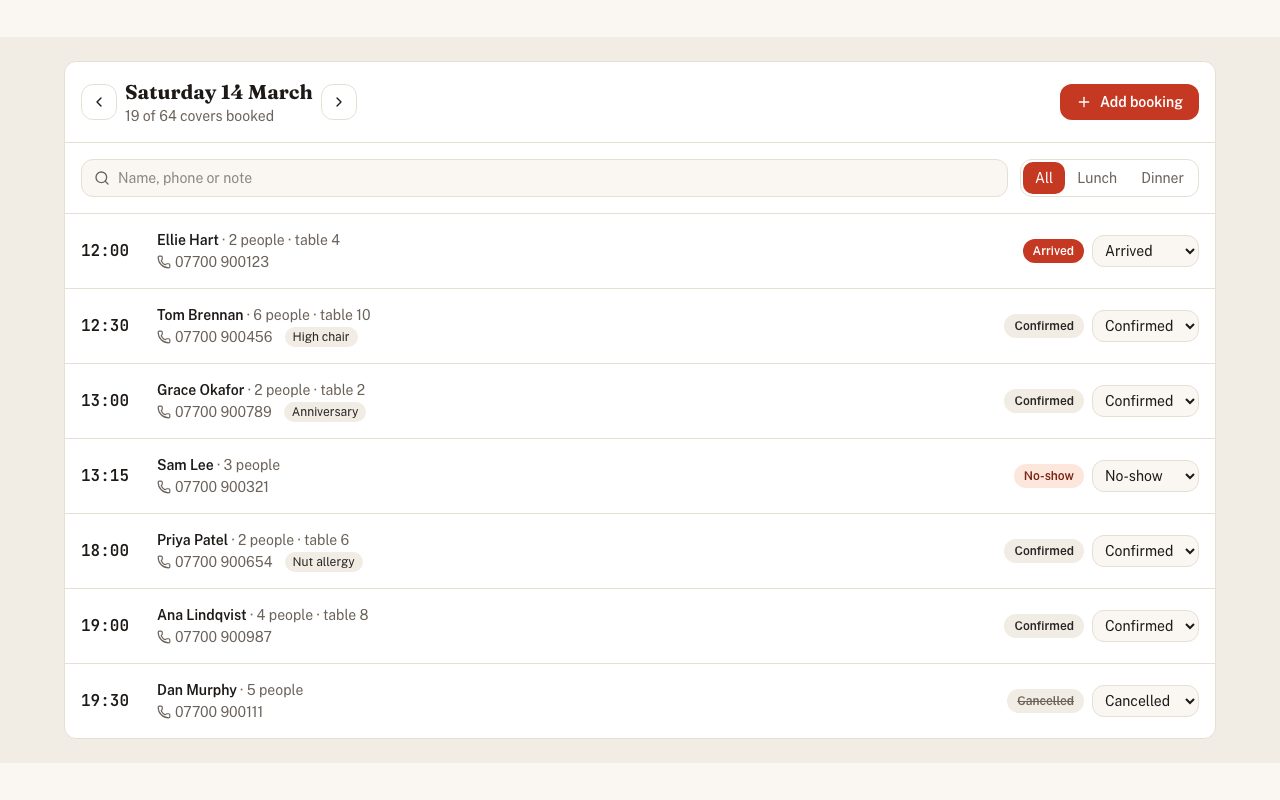
Back Office Bookings
A day of bookings with lunch and dinner filters, search, covers against seats, tap-to-call and a status menu: confirmed, arrived, no-show, cancelled.
by @copypasteui
admin
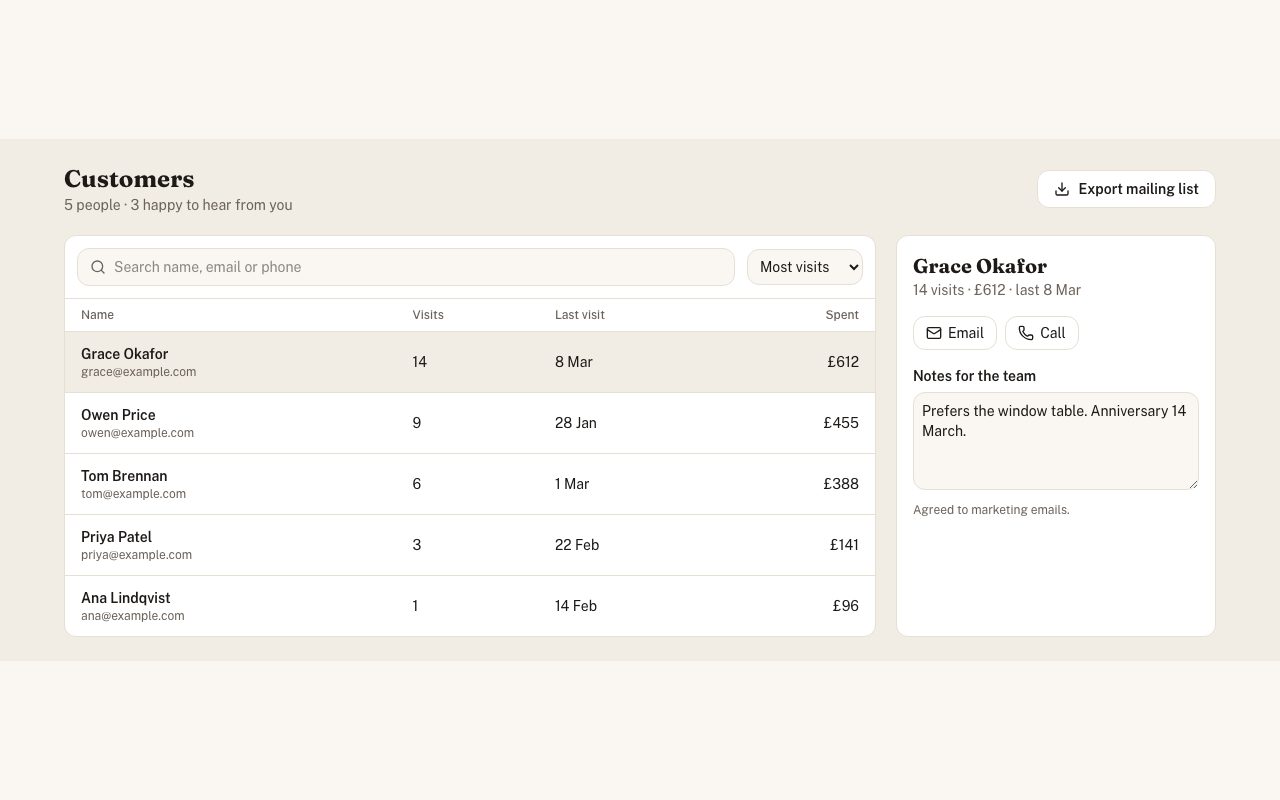
Back Office Customers
Customer list with search and sorting, visits and spend, a side panel for team notes, and a mailing-list export that only includes people who opted in.
by @copypasteui
admin
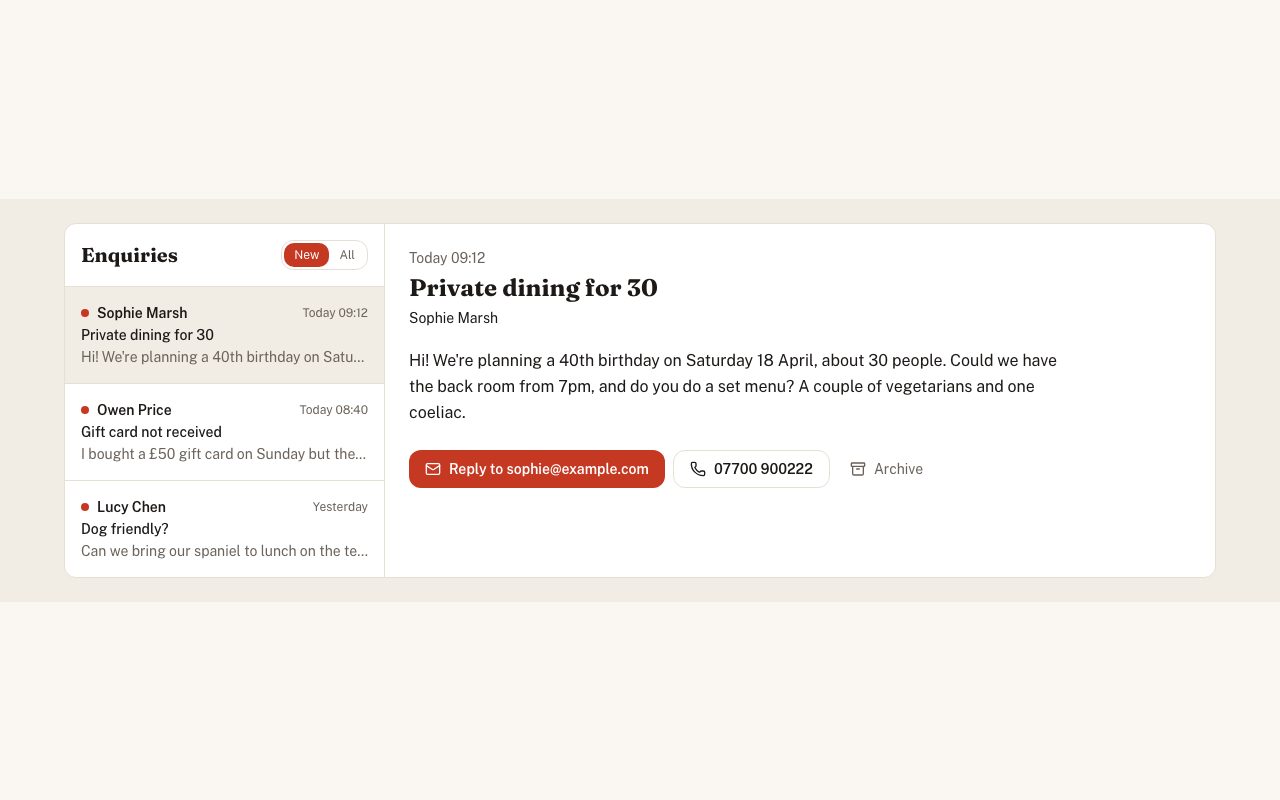
Back Office Enquiries
An inbox for contact-form messages: new and all filters, a reading pane, reply, tap-to-call and archive. Works as a single column on phones.
by @copypasteui
admin
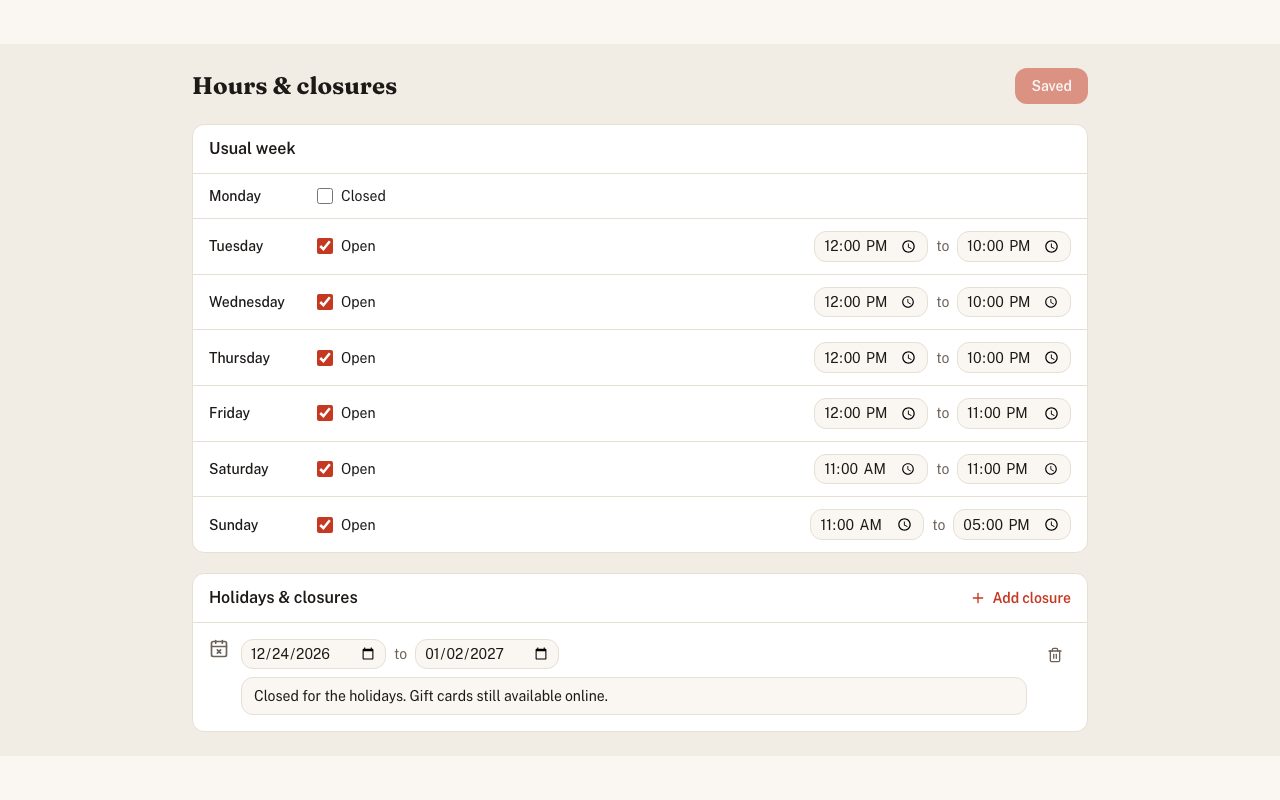
Back Office Hours & Closures
Set the usual week (open or closed, from and to) and add holiday closures with the message for the website's notice banner.
by @copypasteui
admin
Back Office Menu Editor
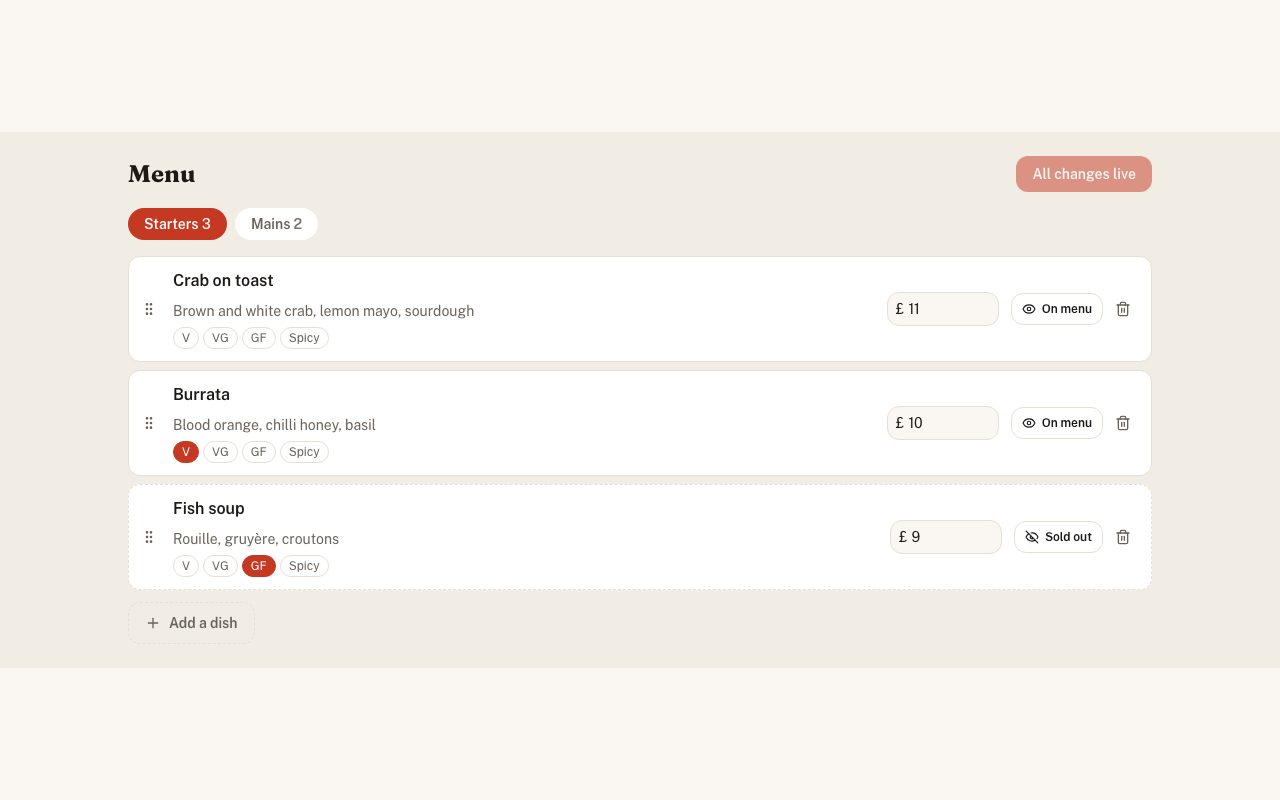
Edit the menu in place: sections as tabs, drag to reorder, inline names and prices, dietary tags, sold-out switches, add and delete, and one Publish button.
by @copypasteui
admin
Back Office Orders
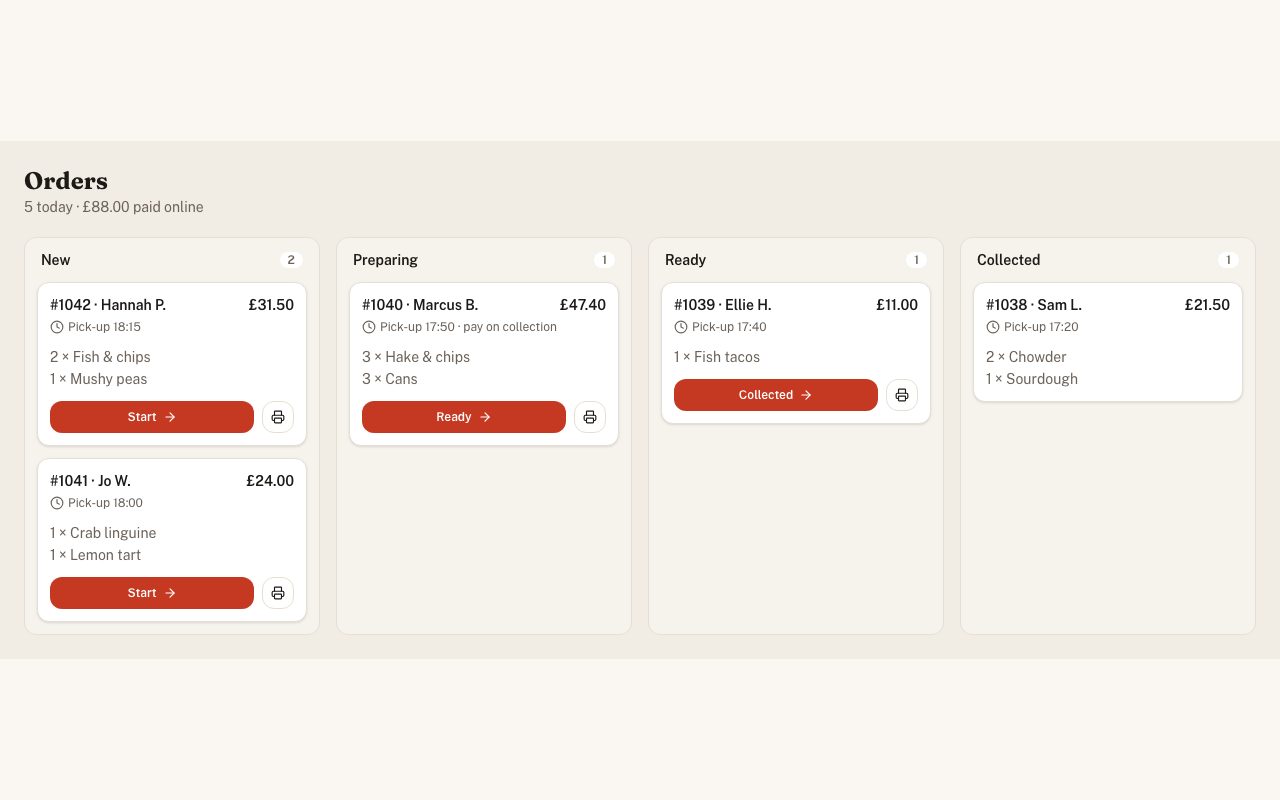
Takeaway and click-and-collect orders as a four-column board — new, preparing, ready, collected — with pick-up times, payment status, one-tap advance and print.
by @copypasteui
admin
Back Office Overview
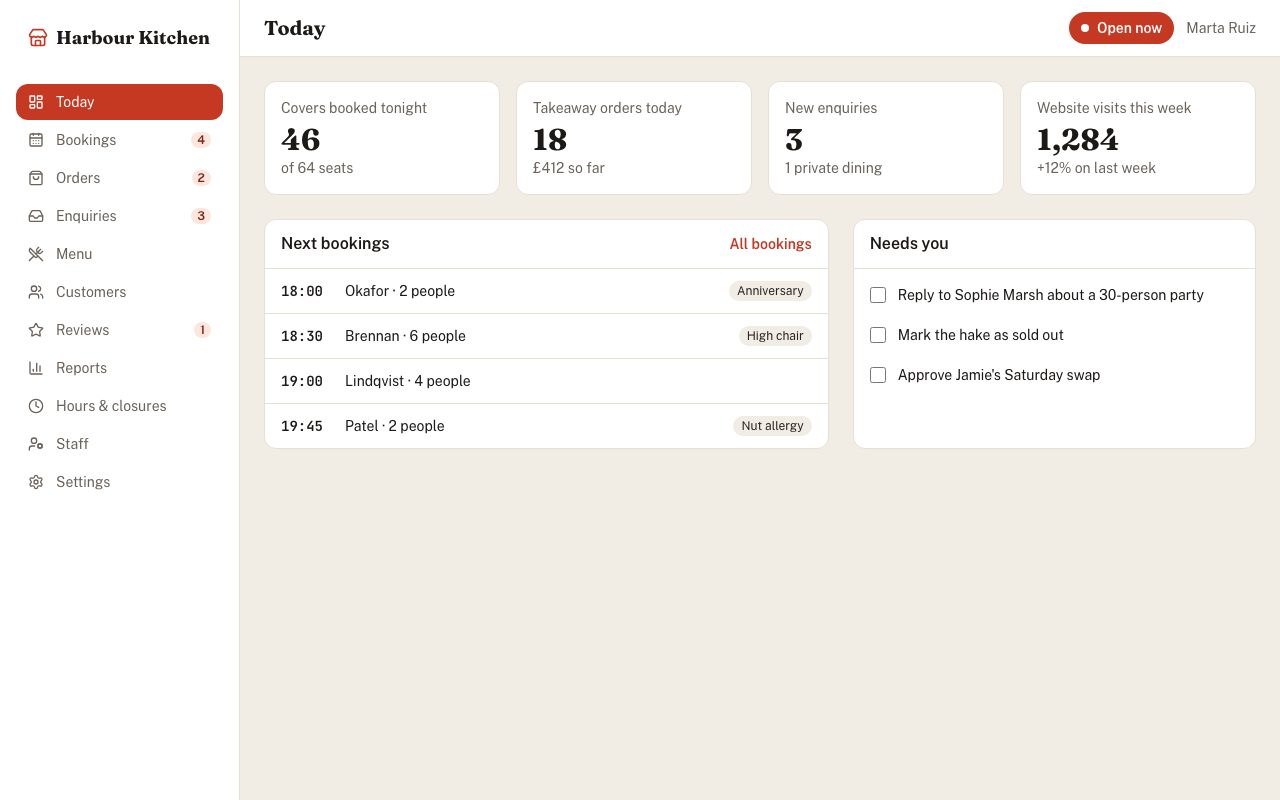
The owner's home screen: sidebar with every back-office page, an open/closed switch, today's numbers, the next bookings and a to-do list.
by @copypasteui
admin
Back Office Reports
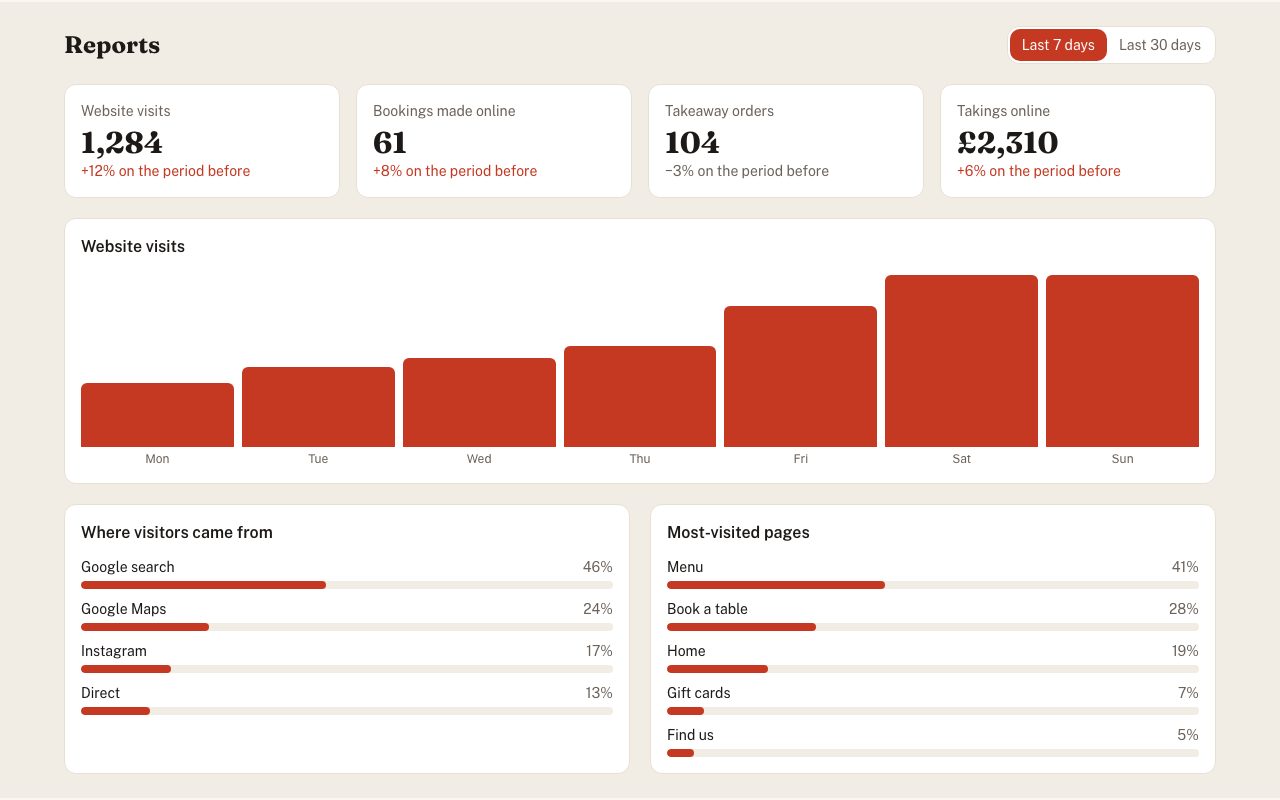
Plain reports for an owner: visits, online bookings, orders and takings with change on the last period, a daily visits chart, traffic sources and most-visited pages.
by @copypasteui
admin
Back Office Reviews
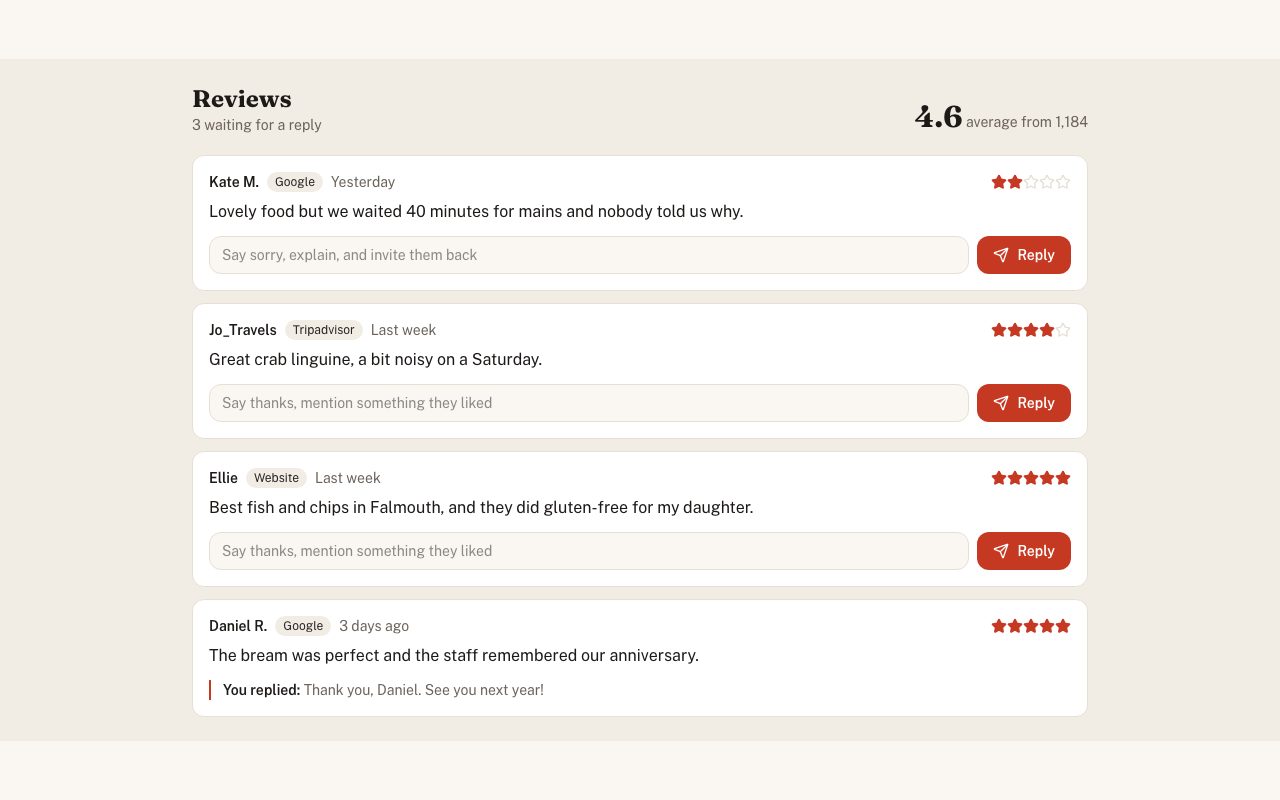
Reviews from Google, Tripadvisor and the website in one list, unanswered first, with a reply box that suggests the right tone for low and high ratings.
by @copypasteui
admin
Back Office Settings
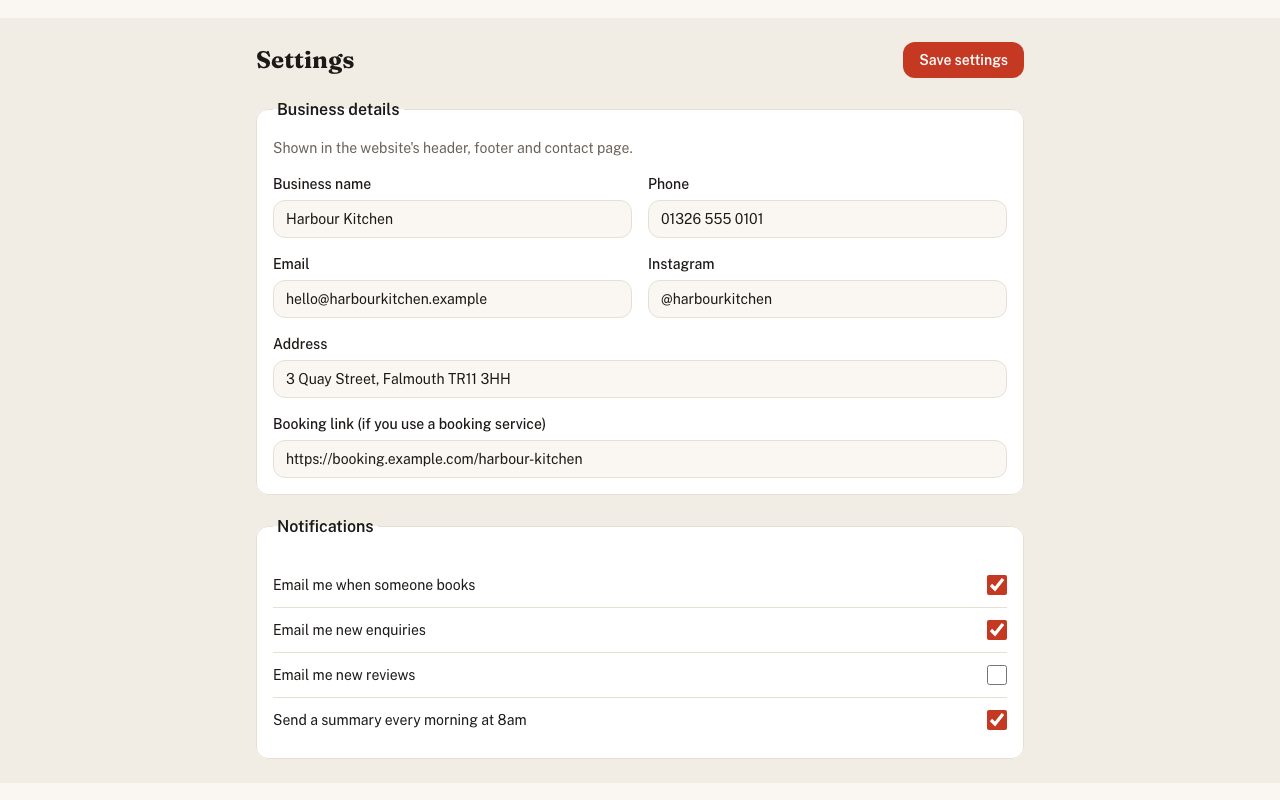
Business details the whole site reads (name, phone, email, address, Instagram, booking link) and notification switches, saved as one record.
by @copypasteui
admin
Back Office Sign In
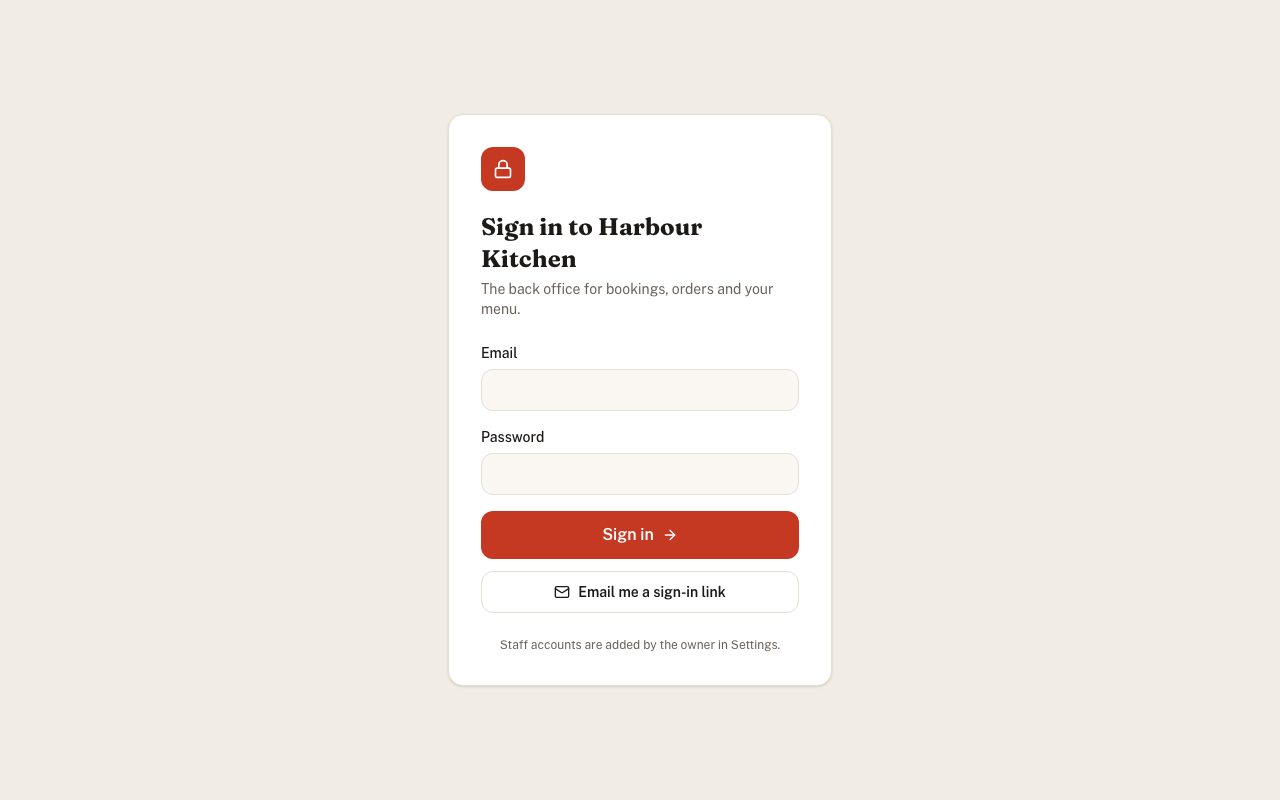
Sign-in screen for the owner and staff, with password and email-link options and clear error messages.
by @copypasteui
admin
Back Office Staff
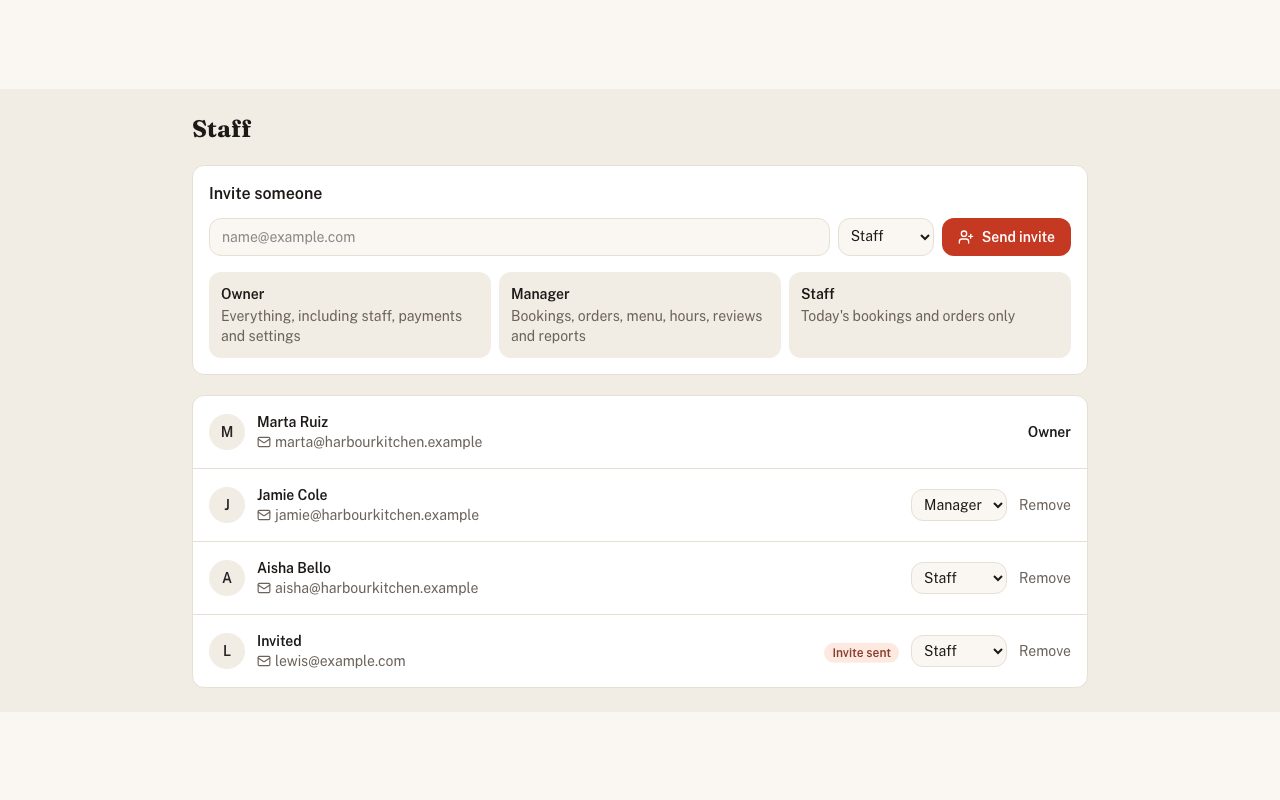
Invite staff by email, set roles (owner, manager, staff) with a plain explanation of what each can do, and remove people who've left.
by @copypasteui