Seafood Restaurant website template
Brinebank
An editorial seafood restaurant: newspaper masthead hero with a photo wipe, a story that lights up word by word, a menu that strikes through sold-out dishes, the two boats, booking and a back-page footer.
Fits a seafood restaurant, bistro, wine bar, bookshop café, food magazine or independent shop with a story to tell.
The 6 sections, top to bottom
Open any one to copy just that section or try it in another theme.
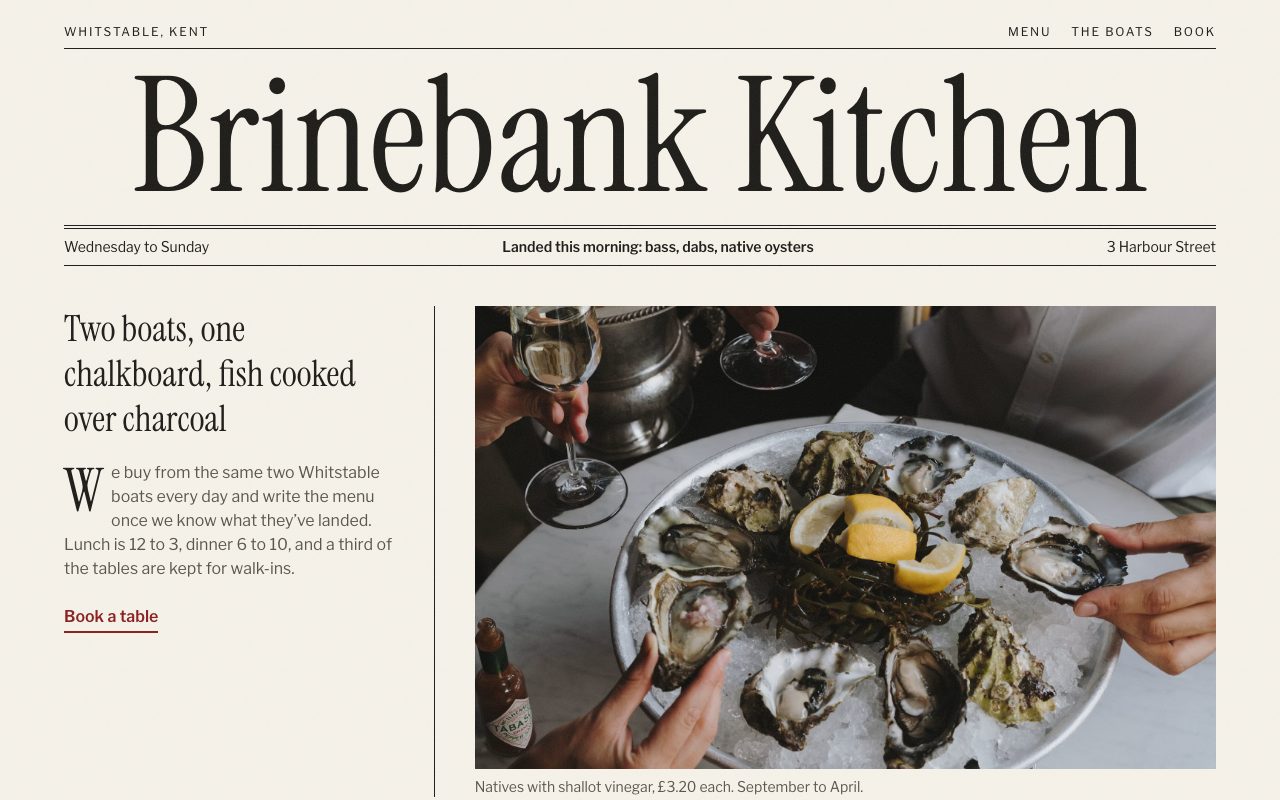 01Masthead HeroFirst screen: who you are, where, and the main action
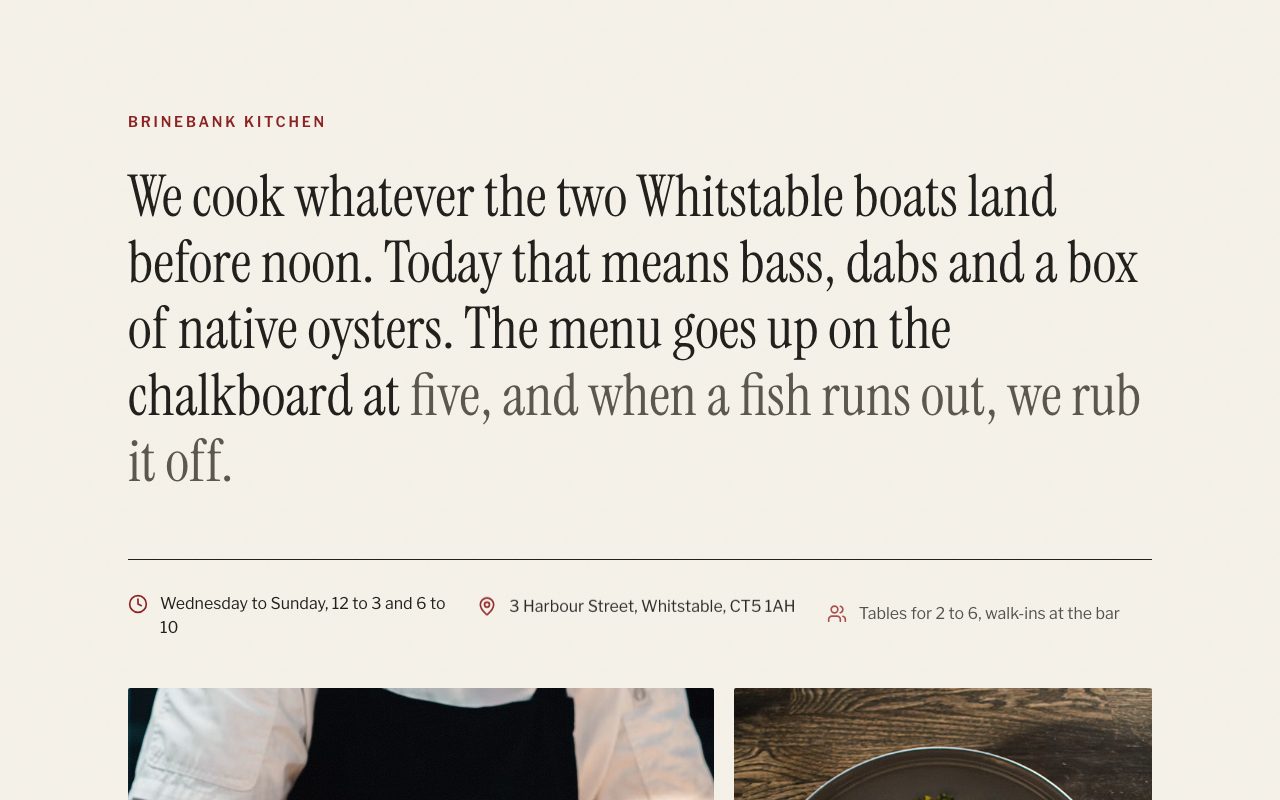 02Word-by-Word StoryShowcase: photos of the work or the place
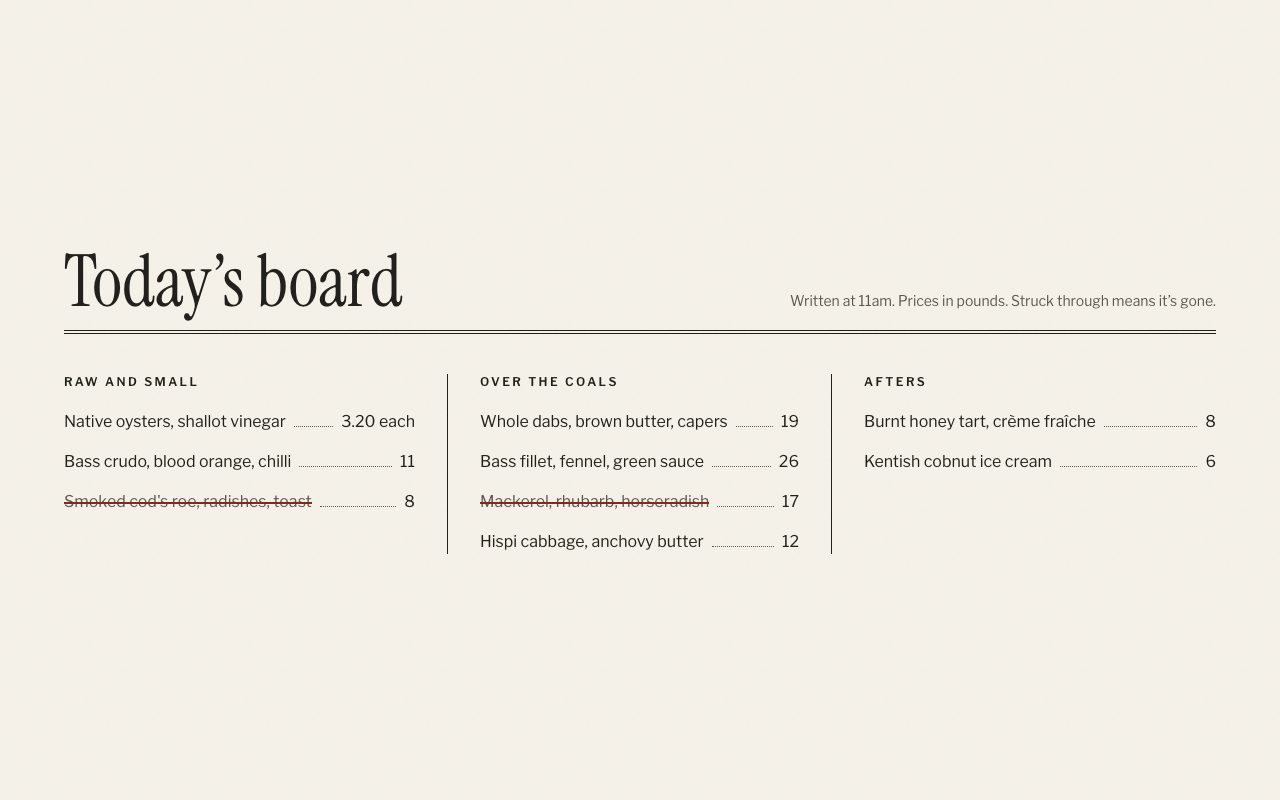 03Chalkboard MenuThe offering: menu or price list
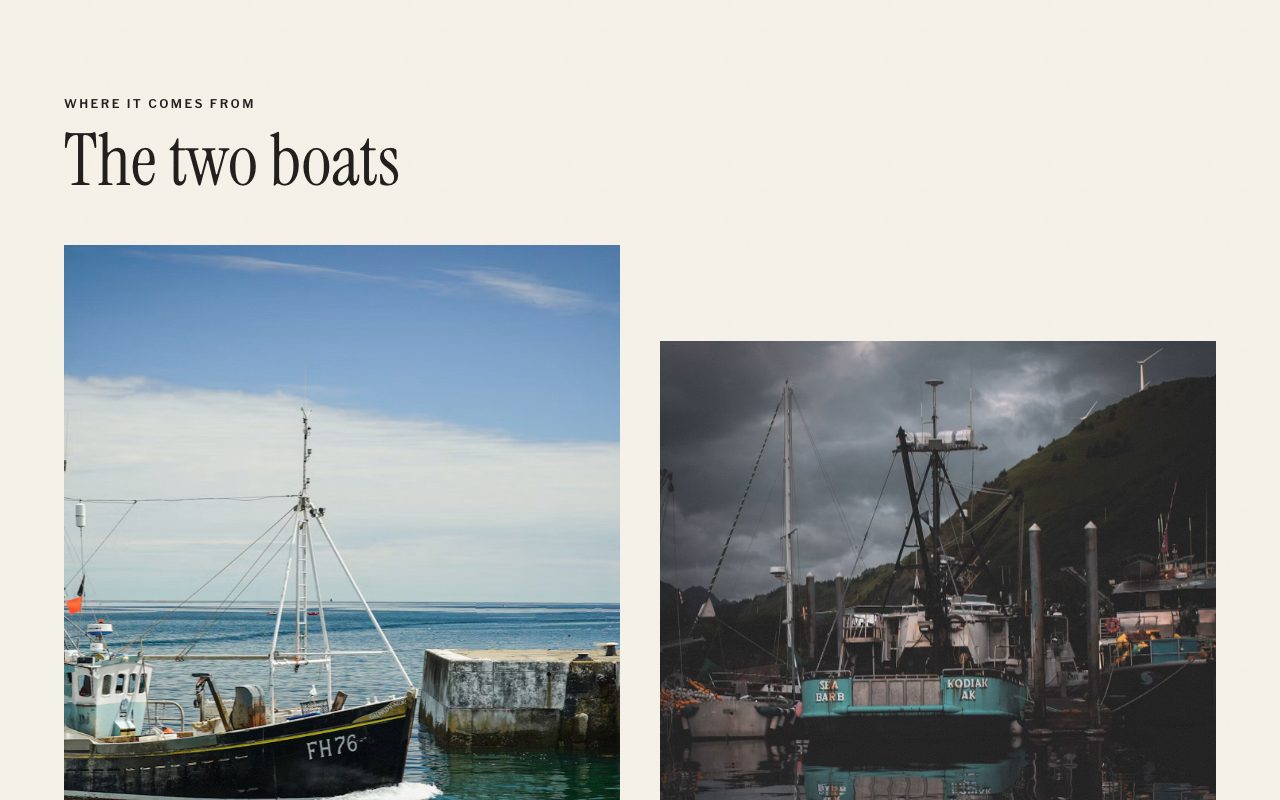 04Two BoatsShowcase: photos of the work or the place
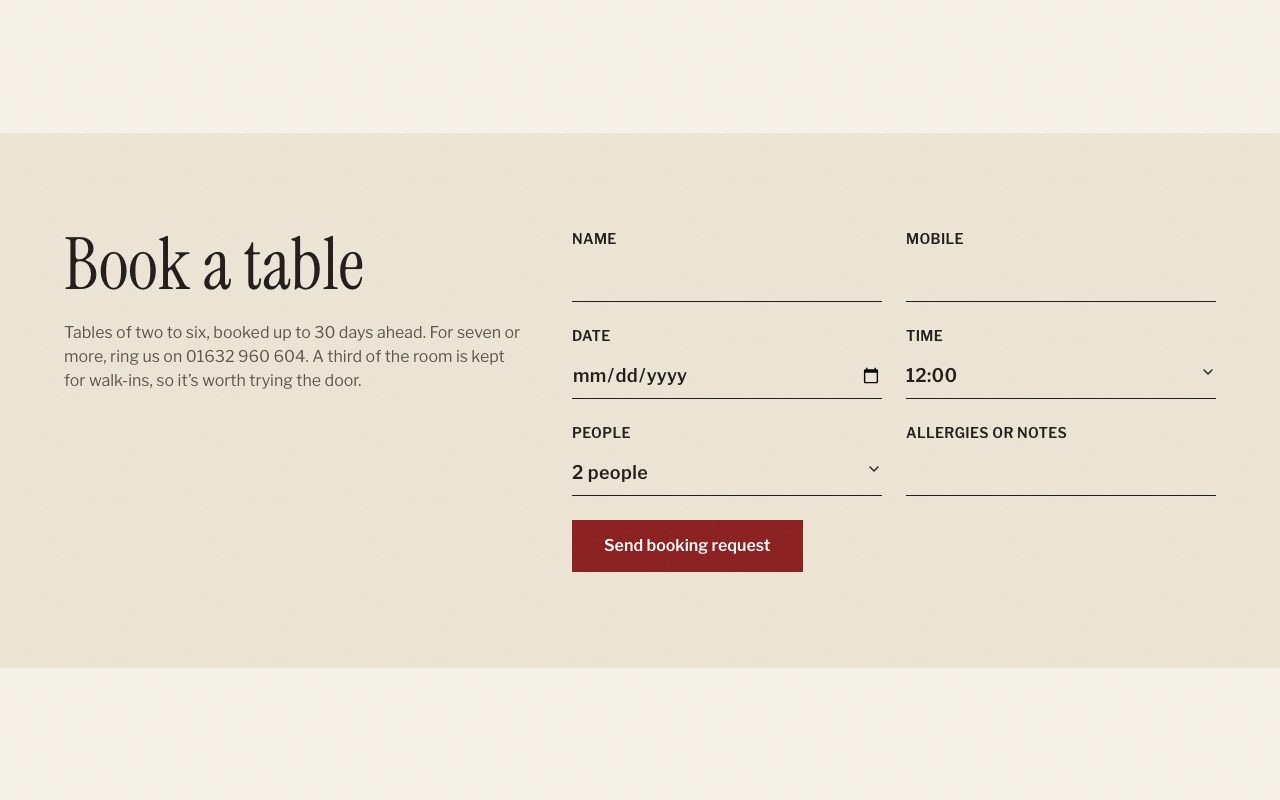 05Table BookingThe conversion: book, call, visit or ask
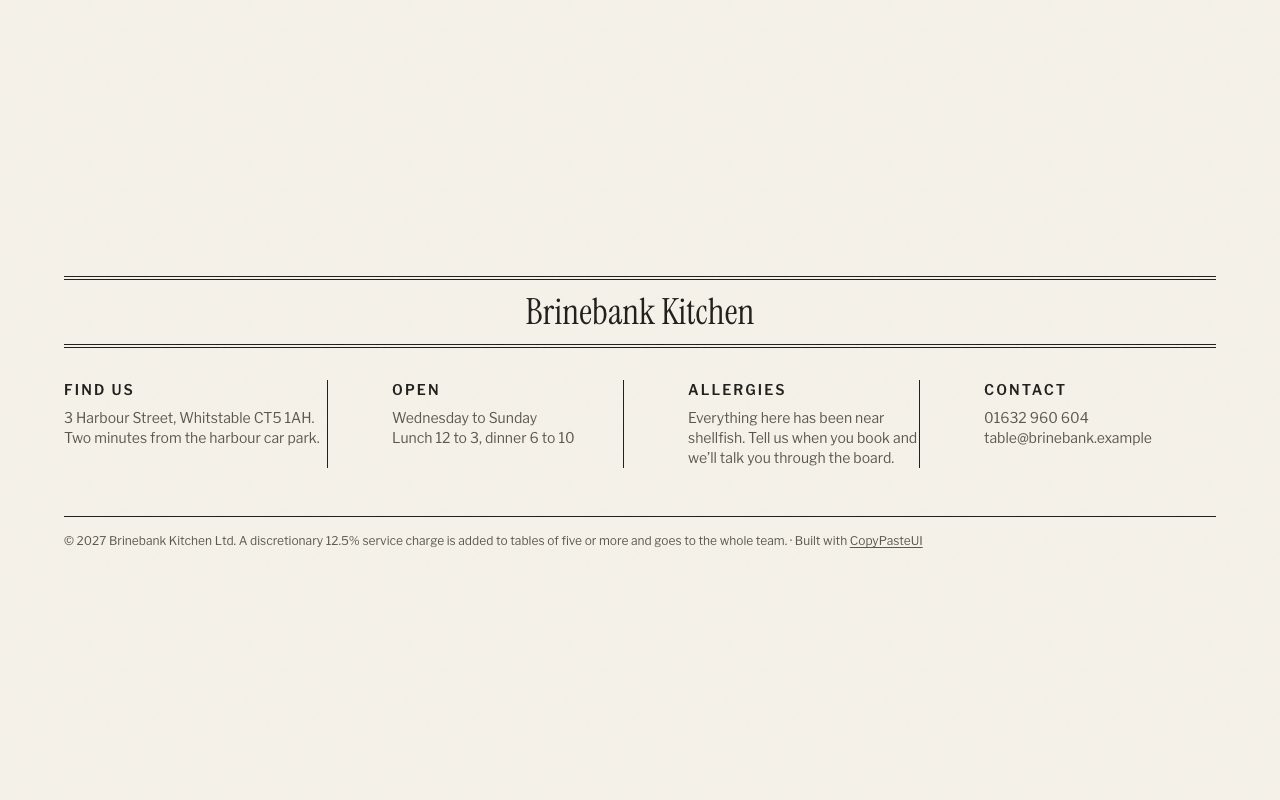 06Newspaper FooterAddress, hours and links
Who it's for
Built for a seafood restaurant, bistro, wine bar, bookshop café, food magazine or independent shop with a story to tell.
The copy is written for one business; the prompt tells your AI tool to rewrite it for yours.
Theme
Folio with Instrument Serif headings and Libre Franklin text.
Pages to add next
- About: the story section and a few reviews
- Menu: the offering in full
- Contact: the booking or contact section, a map and opening hours
- Privacy & terms (needed if you take bookings, payments or emails)
- A 404 page and a thank-you page for after the form
- A back office to edit the menu and see bookings and enquiries yourself
Questions
+Is it really free for a client's site?
Yes. Use it for your own business or for sites you build and sell to clients. The only thing the licence rules out is repackaging the library itself as a competing template collection.
+Which AI tools does it work with?
Anything that writes React and Tailwind: Lovable, Bolt, v0, Replit, ChatGPT, Claude and Gemini through the prompt; Claude Code, VS Code, Codex and Cursor through the MCP; or the shadcn CLI.
+Can I change the colours and fonts?
It comes with the Folio theme. Pick any of the other themes in the preview before you copy, or ask your AI tool to change the colours afterwards; every section reads the same theme settings.
+Do I have to use all the sections?
No. Each of the 6 sections works on its own; open one below to copy just that part, or add sections from other templates.